On-Device AI for Mobile Apps: When Edge Beats Cloud
On-device AI processes machine learning directly on mobile devices, delivering sub-100ms response times and offline functionality. This guide covers Core ML, TensorFlow Lite, model optimisation, and real-world applications for Australian mobile development.

On-Device AI for Mobile Apps: When Edge Beats Cloud
On-device AI processes machine learning inference directly on smartphones and tablets, eliminating the need for cloud connectivity. For Australian businesses building mobile applications, this approach delivers sub-100ms response times, works offline, and keeps sensitive data on the device. However, the trade-offs in model complexity and battery life require careful consideration.
The decision between edge and cloud AI isn't binary — it's about matching capabilities to use cases. Field service technicians inspecting mining equipment in remote Western Australia need models that work without cellular coverage. Financial apps handling sensitive customer data benefit from local processing. Meanwhile, complex language models still require cloud infrastructure.
Why Choose On-Device AI Over Cloud Processing?
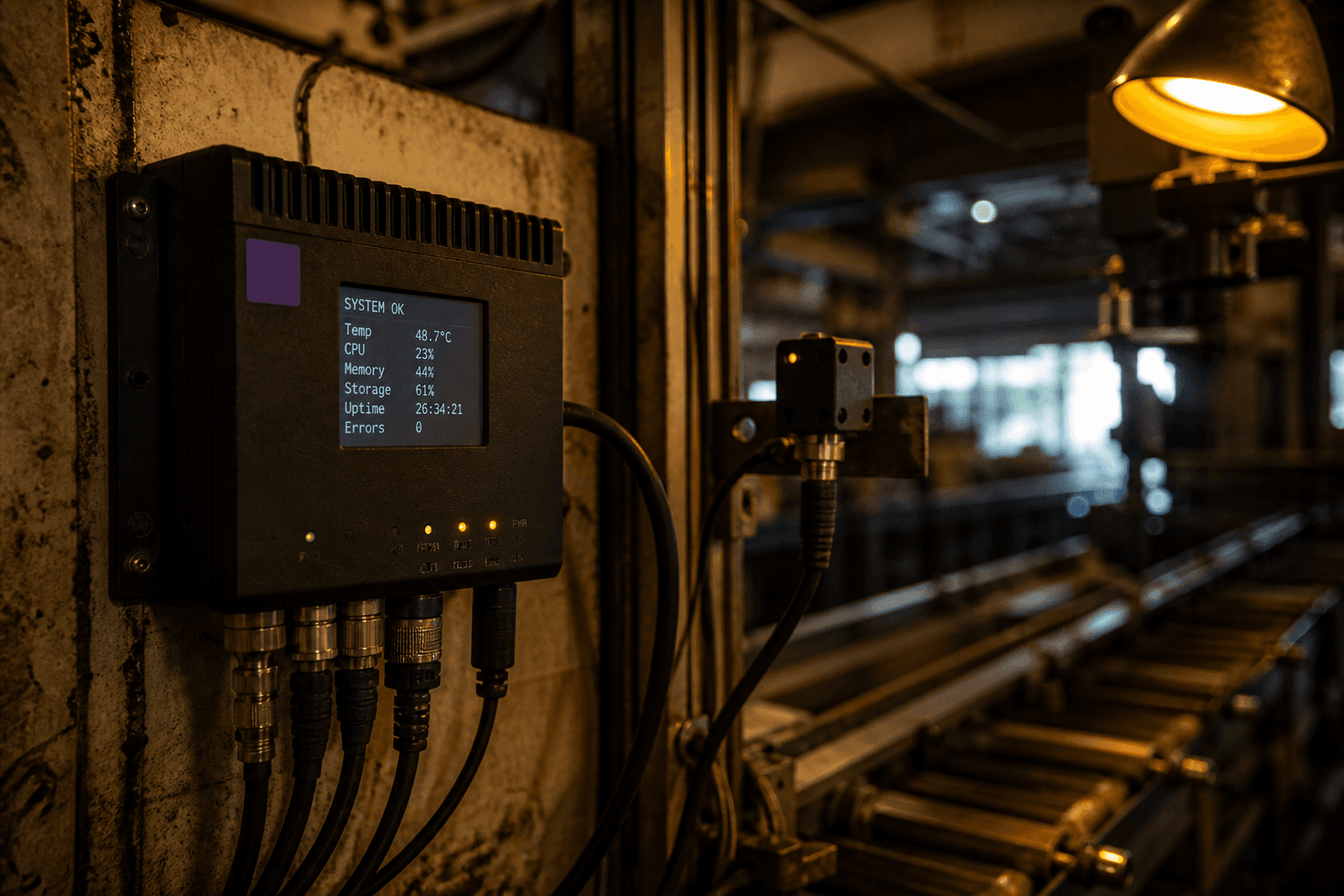
On-device AI eliminates network latency, enabling real-time responses crucial for mobile user experience. When a manufacturing quality inspector scans components with a mobile app, they need instant feedback — not the 200-500ms delay typical with cloud inference. Local processing also works in environments with poor connectivity, from underground mines to rural construction sites.
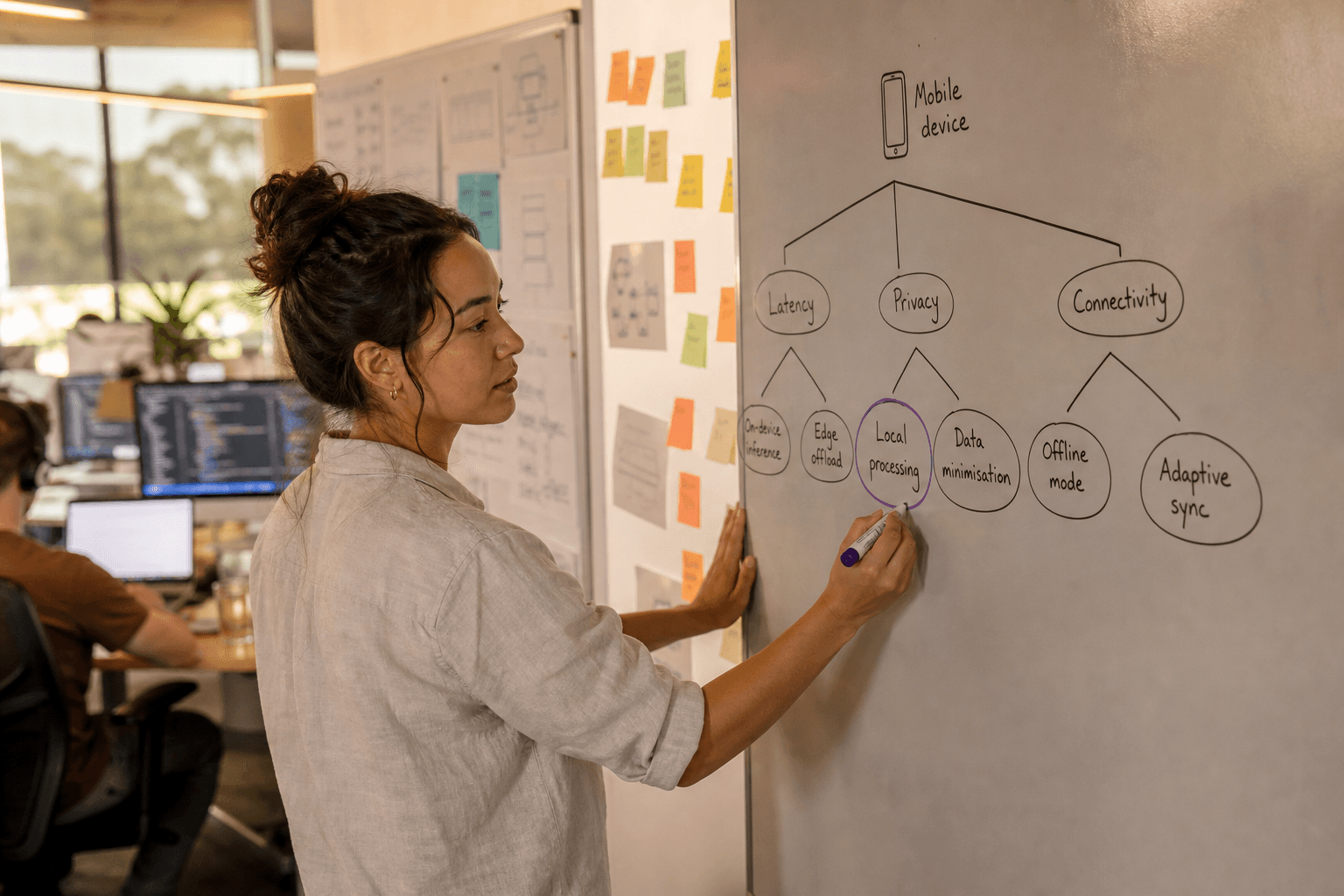
Privacy remains on the device. Personal photos, financial documents, or sensitive business data never leave the user's control. This addresses both regulatory requirements under the Privacy Act 1988 and user trust concerns. Australian healthcare providers particularly value this approach for patient data processing.
Reduced operational costs emerge over time. While initial model optimisation requires investment, eliminating cloud inference costs can save thousands monthly for high-usage applications. A visual inspection app processing 10,000 images daily avoids significant API charges.
Core Technologies: iOS Core ML and Android ML Kit
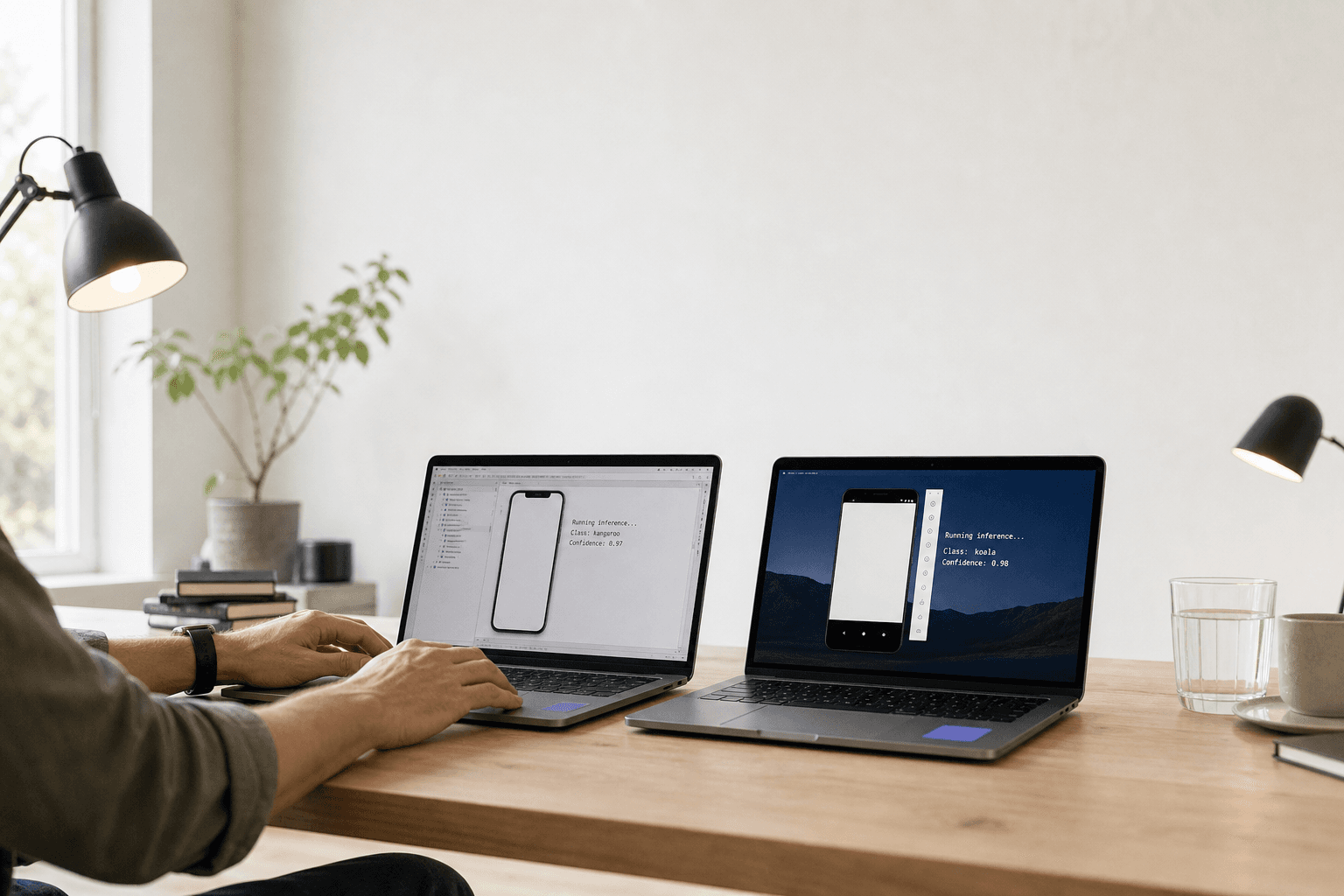
Core ML on iOS provides Apple's native framework for running optimised machine learning models. Core ML is Apple's framework that converts trained models from TensorFlow, PyTorch, or scikit-learn into an optimised format for iOS devices. Models run directly on the Neural Engine (A-series chips) or GPU, delivering hardware-accelerated inference.
# Converting a TensorFlow model to Core ML
import coremltools as ct
import tensorflow as tf

# Load your trained TensorFlow model
model = tf.keras.models.load_model('quality_inspection_model.h5')

# Convert to Core ML format
coreml_model = ct.convert(
    model,
    inputs=[ct.TensorType(shape=(1, 224, 224, 3))],
    classifier_config=ct.ClassifierConfig(['defective', 'acceptable'])
)

# Save for iOS app integration
coreml_model.save('QualityInspection.mlmodel')
TensorFlow Lite serves as the cross-platform solution, supporting both iOS and Android. TensorFlow Lite is Google's framework that runs optimised TensorFlow models on mobile and embedded devices with minimal memory footprint. It provides consistent performance across platforms, crucial for businesses deploying unified mobile solutions.
# Converting to TensorFlow Lite
converter = tf.lite.TFLiteConverter.from_keras_model(model)
converter.optimizations = [tf.lite.Optimize.DEFAULT]
tflite_model = converter.convert()

# Save the optimised model
with open('quality_inspection.tflite', 'wb') as f:
    f.write(tflite_model)
Model Optimisation: Quantisation and Pruning
Model optimisation reduces size and improves inference speed without significant accuracy loss. Mobile devices have limited storage and processing power compared to cloud servers, making optimisation essential for practical deployment.
Quantisation converts model weights from 32-bit floats to 8-bit integers, reducing model size by 75% while maintaining acceptable accuracy. This technique proves particularly effective for computer vision models used in visual inspection applications.
# Post-training quantisation
converter = tf.lite.TFLiteConverter.from_keras_model(model)
converter.optimizations = [tf.lite.Optimize.DEFAULT]
converter.representative_dataset = representative_data_gen
converter.target_spec.supported_ops = [tf.lite.OpsSet.TFLITE_BUILTINS_INT8]
converter.inference_input_type = tf.uint8
converter.inference_output_type = tf.uint8

quantized_model = converter.convert()
Pruning removes unnecessary neural network connections, further reducing model complexity. Structured pruning eliminates entire channels or layers, while unstructured pruning removes individual weights below a threshold. For field service applications, 40-60% pruning often maintains usable accuracy while dramatically improving battery life.
| Optimisation Technique | Size Reduction | Speed Improvement | Accuracy Impact |
|---|---|---|---|
| Quantisation (FP32→INT8) | 75% | 2-4x faster | 1-3% loss |
| Structured Pruning | 30-50% | 1.5-2x faster | 2-5% loss |
| Knowledge Distillation | 80% | 3-5x faster | 3-8% loss |
Over-the-Air Model Updates: Keeping AI Current
Over-the-air (OTA) model updates enable continuous improvement without app store releases. Manufacturing environments change — new defect patterns emerge, lighting conditions shift, or product specifications update. Traditional app updates take weeks for approval and user adoption.
Firebase ML or custom CDN solutions deliver model updates directly to deployed applications. Implement staged rollouts, testing updated models with small user groups before full deployment. This approach particularly benefits quality control applications where false positives or negatives have operational costs.
// iOS implementation for OTA model updates
import FirebaseMLModelDownloader

func updateModel() {
    let conditions = ModelDownloadConditions(
        allowsCellularAccess: false,
        allowsBackgroundDownloading: true
    )

    ModelDownloader.modelDownloader().getModel(
        name: "quality_inspection",
        downloadType: .latestModel,
        conditions: conditions
    ) { result in
        switch result {
        case .success(let customModel):
            // Update local model
            self.loadUpdatedModel(customModel.path)
        case .failure(let error):
            // Handle update failure
            print("Model update failed: \(error)")
        }
    }
}
Version control and rollback capabilities prevent broken deployments. Implement model validation on the device — if new models perform poorly, automatically revert to the previous version. This safety net proves crucial for business-critical applications.
Battery and Performance Trade-offs
On-device inference consumes significant battery power, particularly for computer vision tasks running continuously. Battery impact varies dramatically by model complexity and inference frequency — simple classification models use 5-10% additional battery daily, while real-time video analysis can drain batteries in 2-3 hours.
Thermal throttling affects performance on mobile devices. Continuous inference generates heat, causing processors to reduce clock speeds and extend inference times. Design applications with thermal considerations — batch processing during cool periods or user-controlled activation.
Memory constraints limit model size on mobile devices. iOS apps typically allocate 1-2GB maximum, while Android varies by device. Large vision models (50-100MB) can cause memory pressure and app termination. Profile memory usage during development and implement model caching strategies.
// Thermal state monitoring in iOS
NotificationCenter.default.addObserver(
    forName: ProcessInfo.thermalStateDidChangeNotification,
    object: nil,
    queue: .main
) { _ in
    switch ProcessInfo.processInfo.thermalState {
    case .serious, .critical:
        // Reduce inference frequency or pause processing
        self.pauseInference()
    case .nominal, .fair:
        // Resume normal operation
        self.resumeInference()
    @unknown default:
        break
    }
}
Real-World Use Cases: Where Edge AI Excels
Visual inspection applications dominate industrial mobile AI deployments. Mining companies use ruggedised tablets for equipment condition assessment in remote locations. Models trained on bearing wear patterns, corrosion indicators, or structural defects enable predictive maintenance without connectivity requirements.
Field service optimisation leverages on-device AI for technician efficiency. HVAC service apps identify equipment models through camera input, automatically accessing service manuals and parts lists. Offline operation ensures functionality in basements, attics, or remote installations without cellular coverage.
Retail inventory management transforms stockroom operations. Woolworths and Coles pilot mobile apps that recognise products, estimate quantities, and identify misplaced items through computer vision. Real-time processing enables efficient stock counts without scanning individual barcodes.
Agricultural monitoring applications serve Australia's primary production sector. Farmers use tablet applications to assess crop health, identify pest damage, or estimate yields through aerial imagery. Models process drone footage locally, generating actionable insights without relying on rural internet connectivity.
Implementation Considerations for Australian Businesses
Device fragmentation creates testing complexity. Android's hardware diversity means models perform differently across devices. Implement device capability detection and fallback strategies for older or less capable hardware. iOS provides more consistent performance but limits market reach.
Data privacy compliance requires careful architecture design. While on-device processing helps meet Privacy Act 1988 requirements, ensure training data collection and model updates maintain privacy standards. Document data flows for regulatory audits.
Performance benchmarking across target devices prevents deployment issues. Test inference times, battery impact, and thermal behaviour on representative hardware. Australian consumers expect consistent performance regardless of device age or specifications.
Building effective on-device AI solutions requires deep technical expertise in AI engineering to optimize models for mobile constraints while maintaining performance. Our AI product strategy services help Australian businesses determine the optimal edge-cloud balance for their specific use cases and technical requirements.
Cloud vs Edge: Making the Right Choice
Choose on-device AI when applications require real-time response, offline operation, or handle sensitive data. Computer vision tasks, simple natural language processing, and pattern recognition often suit edge deployment. The trade-offs in model complexity and battery life are worthwhile for these use cases.
Stick with cloud processing for complex models, multi-modal AI systems, or applications requiring frequent updates. Large language models, complex reasoning tasks, and applications needing extensive compute resources still benefit from cloud infrastructure.
Hybrid approaches often provide optimal solutions. Process simple classification on-device while sending complex queries to the cloud. This strategy maintains responsive user experience while preserving advanced capabilities when connectivity allows.
For Australian businesses considering mobile AI deployment, start with proof-of-concept implementations. Horizon Labs helps organisations evaluate edge vs cloud trade-offs, implement model optimisation, and deploy production-ready mobile AI solutions that deliver measurable business value.
Ready to explore on-device AI for your mobile application? Our team has hands-on experience implementing Core ML and TensorFlow Lite solutions across industries. Get in touch to discuss your technical requirements and determine whether edge AI is the right approach for your project.
Tom O'Brien
Senior Cloud Architect at Horizon Labs. Modernises legacy systems so AI can be built on top of them — strangler-fig migrations, AWS / Azure / GCP comparisons, the DevOps practice that turns one-off projects into operational systems. Fifteen years in cloud and platform engineering, plenty of scars from the migrations that didn't go to plan.